 Freaky Font Fonts That Break the Rules

Category: Urdu Nastaleeq & Calligraphy Fonts Collection
Designers, students, and publishers love Urdu calligraphy. Finding and downloading fonts one by one takes time, so we created a complete Urdu font free download pack to save you time.
This single ZIP file includes many popular fonts used for Urdu typing, book design, social posts, and digital calligraphy. The pack is easy to install and works on Windows, macOS, Android, and iOS.
Inside, you’ll find famous names such as Faiz Nastaleeq, Faiz Lahori Nastaleeq, Noori Nastaliq, Jameel Noori Nastaleeq, Mehr Nastaliq, Pak Nastaliq, and more, ready to use in MS Word, InPage, Photoshop, Canva, and CSS.
All Urdu Fonts Free Download (ZIP File)
Click the button below to download the complete collection in one file.

- Formats: TTF/OTF (compressed in ZIP)
- Compatibility: Windows, macOS, Linux, Android, iOS
- Use cases: MS Word, InPage, Adobe Photoshop/Illustrator, Canva, web/CSS
Note: This pack includes only free or freely redistributable fonts. Always check each font’s licence if you plan on using it commercially.
How to Install Urdu Fonts (Step by Step)
Windows 11/10
- Download and extract the ZIP file.
- Select all .ttf / .otf files, right-click, and select Install (or Install for all users).
- Close and reopen apps like Word or Photoshop to see the fonts.
macOS
- Extract the ZIP.
- Double-click a font file and click Install Font in Font Book.
- Restart your design or typing app if the font doesn’t show.
Android (Canva/Design apps)
- Extract the ZIP on a phone or PC.
- In Canva → Brand → Upload a font (Pro) or use a font-import feature in your design app.
- Select the .ttf file and apply it to your design.
iOS (iPhone/iPad)
- Use a font manager like iFont or AnyFont.
- Open the .ttf file in the app and follow the install prompts.
- The font appears in supported apps.
InPage / Urdu Typing
- Install the fonts, then select them from the font menu inside InPage.
- For web typing, you can also use an online Urdu generator tool to copy-paste text into your designs.
Troubleshooting: If a font is missing after installation, restart the app or the device and try again.
Fonts Included in This Collection
- Faiz Nastaleeq Font
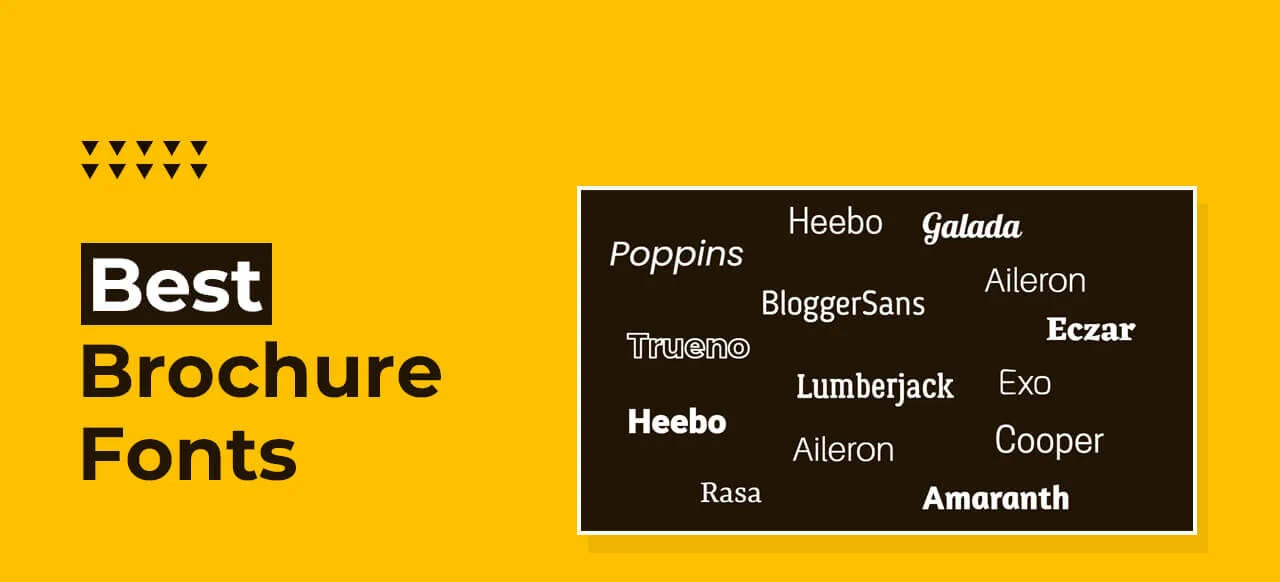
- Poppins Font (Solar Panels)
- Faiz Lahori Nastaleeq Font
- Noori Nastaliq font
- Jameel Noori Nastaleeq (and Kasheeda variants)
- Mehr Nastaliq font
- Pak Nastaliq font
- Nafees Nastaleeq font
- Noto Nastaliq Urdu / Noto Naskh Urdu font
- Awami Nastaliq (SIL) font
- Scheherazade New (Urdu-friendly Naskh) font
- Plus more popular Urdu calligraphy font
(The exact list may update over time to add newer, better Urdu fonts.)
Usage (Where These Fonts Work Best)
Urdu fonts are perfect for books, newspapers, wedding cards, poetry posts, naat/hamd designs, and social media graphics. Nastaleeq styles create a classic, elegant look for long passages and headings.
Designers love using these fonts in Adobe Photoshop/Illustrator, CorelDRAW, InPage, and Canva. For web projects, you can embed selected fonts with CSS @font-face and keep text crisp on every screen.
For a modern look, pair Urdu Nastaleeq with clean Latin fonts like Arial, Roboto, or Lato for English subheadings, captions, and UI elements. You can also test styles with an online Urdu generator tool before downloading.
FAQs!
Is this Urdu font collection free?
Yes, this pack contains fonts that are free or freely redistributable. Please review each font’s licence before using them for commercial printing or apps.
Can I use these fonts in MS Word and Canva?
Absolutely. After installation, open MS Word or Canva and select the font from the font list. In Canva, upload the font file (a Canva Pro feature) and apply it to your design.
What is the best Nastaliq font for professional work?
Jameel Noori Nastaleeq, Noori Nastaliq, Faiz Nastaleeq, and Awami Nastaliq are popular choices. Try two or three and pick the one that fits your layout.
How do I install fonts on Windows 11?
Right-click the .ttf file → Install (or Install for all users) → restart your app. That’s it.
How can I type Urdu without InPage?
Use the Urdu keyboard in Windows/macOS or an online Urdu typing/generator tool. Then paste the text into Word, Photoshop, or Canva and apply your chosen font.